MCP Servers Explained: How to Connect AI Agents to Your Business Tools
February 11, 2026
The biggest bottleneck in AI product development is not the AI itself — it is connecting the AI to the tools, databases, and services your business actually runs on. Every integration is custom code. Every new tool means another bespoke connector. Scaling from 3 integrations to 30 becomes an engineering nightmare.
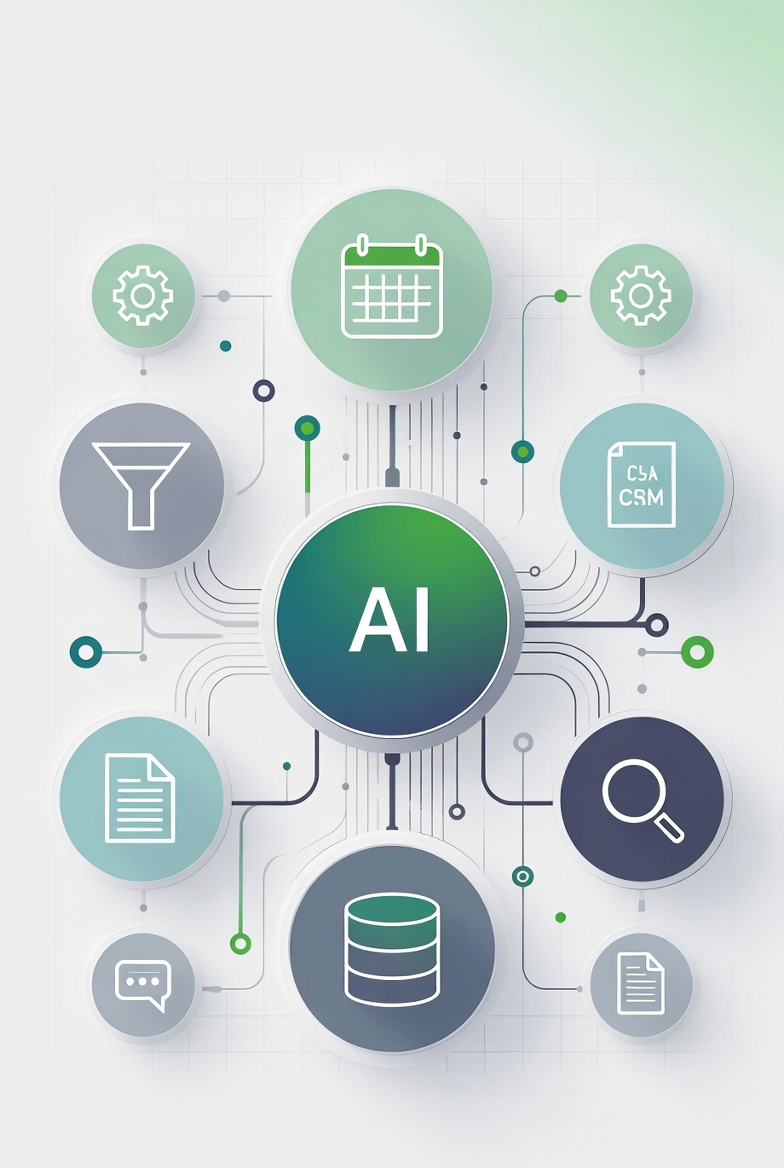
The Model Context Protocol (MCP) was built to fix this. Here is what it is, how it works, and why founders building AI products should care.
The Problem MCP Solves
Imagine you are building an AI assistant for a sales team. The assistant needs to:
- Read emails from Gmail
- Look up contacts in Salesforce
- Check deal status in HubSpot
- Create tasks in Asana
- Query your internal database
Without MCP, your engineering team builds five separate integrations. Each one has its own authentication flow, its own data format, its own error handling, and its own way of telling the AI what it can do. When the AI agent needs to decide which tool to use, your code has to manually describe each tool's capabilities in the prompt.
Now multiply that by every AI product that needs to talk to Gmail. Every team is writing the same Gmail integration from scratch.
MCP standardizes this. Instead of building custom integrations, you connect to MCP servers — each one a standardized interface to a specific tool or data source. The AI agent discovers what tools are available, understands their capabilities, and uses them through a single protocol.
How MCP Works
MCP follows a client-server architecture with three concepts:
MCP Servers
An MCP server is a lightweight program that exposes a specific tool or data source to AI agents. Think of it as an adapter between the AI and the business tool.
A Gmail MCP server exposes operations like "search emails," "read email," "send email," and "create draft." A PostgreSQL MCP server exposes "query," "list tables," and "describe schema."
Each server declares its capabilities in a standardized format that any AI agent can understand without custom code.
MCP Clients
The AI application (your product) acts as the MCP client. It connects to one or more MCP servers, discovers what tools and data are available, and uses them to complete tasks.
Cursor, Claude Desktop, and other AI tools already include MCP client support. If you are building a custom AI product, libraries exist for Python, TypeScript, and other languages.
Resources, Tools, and Prompts
MCP servers expose three types of capabilities:
Resources — Read-only data the AI can access. A database MCP server might expose tables as resources. A file system server might expose documents.
Tools — Actions the AI can take. Sending an email, creating a task, running a query, updating a record.
Prompts — Pre-built prompt templates that guide the AI on how to use the server effectively. These encode best practices for interacting with the specific tool.
Why This Matters for AI Products
Build integrations once, use everywhere
An MCP server for Salesforce works with any MCP-compatible AI agent. Build it once, and every product in your ecosystem can access Salesforce data without writing integration code.
For startups building AI products that need to connect to customer tools, MCP turns a months-long integration project into a configuration task.
AI agents become genuinely useful
The gap between "AI chatbot" and "AI that does work" is tool access. MCP gives agents standardized access to the tools they need to complete real tasks: read data, make decisions, take actions, report results.
An agent with MCP access to your project management tool, your database, and your communication platform can actually manage a workflow end-to-end — not just tell you what to do.
The ecosystem is growing fast
As of early 2026, MCP servers exist for:
- Databases: PostgreSQL, MySQL, SQLite, MongoDB
- Communication: Slack, Gmail, Microsoft Teams
- Development: GitHub, GitLab, Jira, Linear
- CRM: Salesforce, HubSpot
- File systems: Local files, Google Drive, S3
- Web: Browser automation, web scraping, search
- Custom APIs: Generic HTTP/REST server for any API
The ecosystem doubles roughly every quarter. If a tool has an API, someone is building (or has built) an MCP server for it.
Building Your Own MCP Server
For startups with proprietary tools or internal systems, building a custom MCP server is straightforward:
The minimum viable MCP server
A basic MCP server in TypeScript requires:
- Define your tools — what operations does the server expose?
- Implement the handlers — what happens when the AI calls each tool?
- Declare the schema — what parameters does each tool accept and return?
A simple MCP server that exposes read and write access to your internal database can be built in a day. The protocol handles discovery, parameter validation, and error reporting.
When to build vs. use existing
Use an existing server when you need access to standard tools (databases, SaaS products, file systems). The community and official servers cover most common cases.
Build a custom server when you need to expose your proprietary business logic, internal tools, or domain-specific operations to AI agents. This is where MCP becomes a competitive advantage — your AI products can access capabilities that no other product can.
MCP in Production: What to Watch For
Security and access control
MCP servers have full access to the tools they connect to. A database MCP server with write access can modify or delete data. Implement:
- Scoped permissions — limit what the MCP server can do (read-only where possible)
- Authentication — ensure only authorized AI agents can connect
- Audit logging — track every tool call for compliance and debugging
- Rate limiting — prevent runaway agents from overwhelming your systems
Error handling and reliability
AI agents will call tools with unexpected inputs. MCP servers need robust error handling that returns clear error messages the AI can understand and act on, not stack traces.
Cost management
Every MCP tool call may trigger API calls to external services (Salesforce, Gmail, etc.) that have their own rate limits and costs. Monitor usage and implement budgets.
Latency considerations
MCP adds a layer between the AI and the tool. For real-time applications, measure the latency impact. Most MCP servers add 10–50ms per call — negligible for most use cases, but relevant for high-frequency operations.
The Architecture Pattern for AI Products with MCP
Here is the pattern I use when building AI products that need multi-tool access:
AI orchestration layer (LangGraph or custom) → decides what to do next
MCP client layer → connects to MCP servers and executes tool calls
MCP servers → one per tool or data source (database, CRM, email, etc.)
Guardrail layer → validates tool calls before execution (budget checks, permission checks, safety rules)
Monitoring layer → logs every decision and tool call for debugging and audit
This separates the AI decision-making from the tool execution, making it easier to test, debug, and control. The AI agent never touches your tools directly — it always goes through the MCP layer, which enforces your rules.
Getting Started with MCP
If you are building an AI product that needs to connect to business tools:
- Inventory your integrations. What tools and data sources does your AI need access to?
- Check for existing MCP servers. Most common tools are covered. Start with the official MCP server repository.
- Prototype with one server. Pick the highest-value integration and connect it. Prove the pattern works before building five more.
- Plan your security model. Decide what the AI can and cannot do before giving it access to production systems.
- Build custom servers for proprietary tools. This is where your product's unique value lives.
If you are evaluating how MCP fits into your AI product architecture — or deciding whether to build custom MCP servers for your business tools — a focused diagnostic session maps the integration landscape and builds a concrete plan.
That is Get Clear. $797, and you walk away with an architecture plan you can execute immediately.